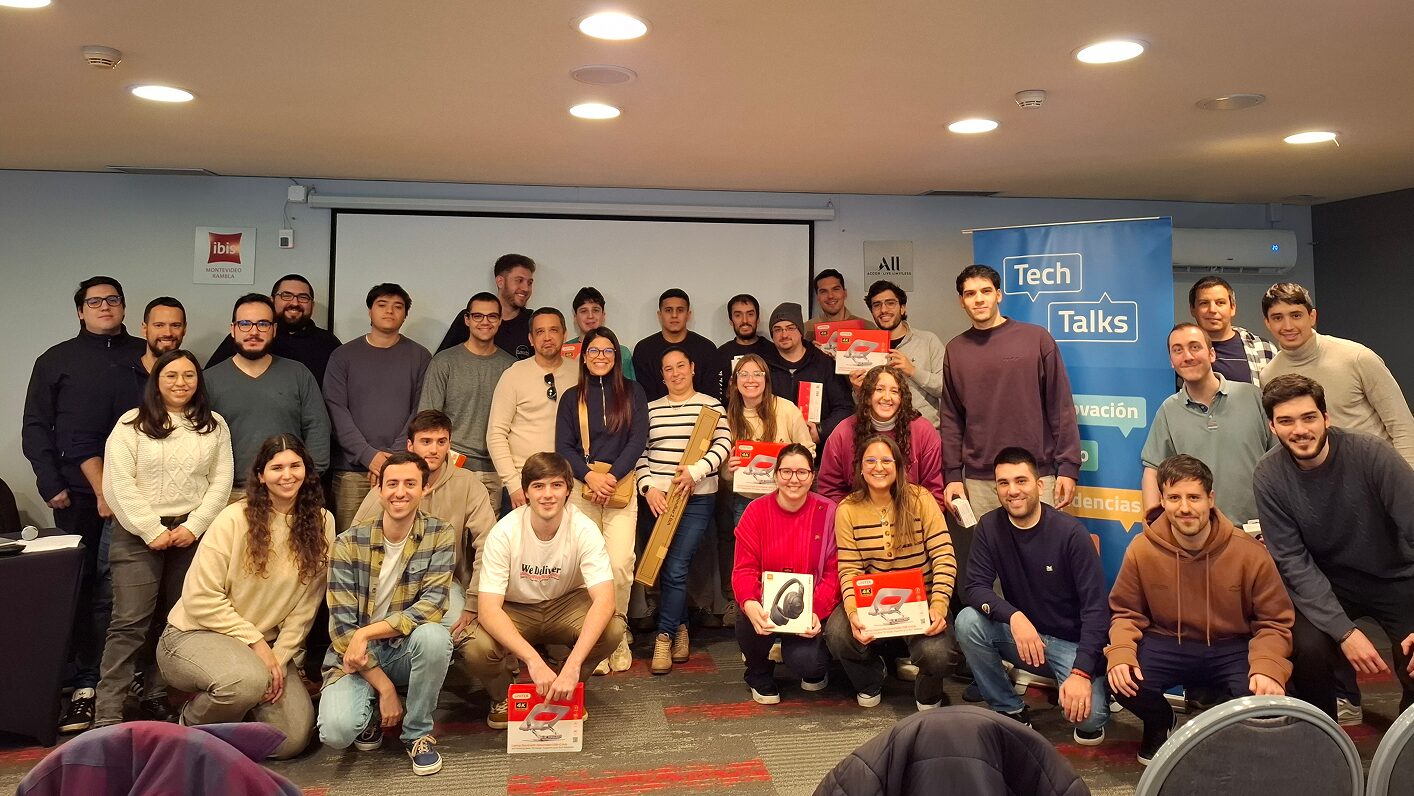
In the second session of Tech Talks 2025, we continued exploring the boundaries between development and productivity, with two talks offering different approaches but a shared thread: how to optimize everyday work using tools that free teams from repetitive tasks and bring them closer to innovation.
Mauro Arrieta and Federico Banchero led the team down two paths: asynchronous task management in .NET with Hangfire , and the creation of personalized AI assistants — no coding required! — thanks to Microsoft Copilot Studio.
Reliable automation with Hangfire
Mauro introduced us to the world of Hangfire, a powerful open-source library for .NET that allows background tasks to run seamlessly — ideal for processes that shouldn’t interrupt the user experience, such as periodic reports, file processing, email sending, or scheduled tasks like backups.
One of Hangfire’s strengths is its distributed architecture, which allows for easy scaling and task execution across multiple servers. It also offers full visibility into the status of each task, enabling real-time monitoring and ensuring reliability even in cases of system crashes or unexpected restarts.
Through a live demo, Mauro walked us through the different types of tasks available and explained how to configure Hangfire in ASP.NET applications, Windows services, or even console apps. With real code and concrete examples, he showed how this library can be quickly integrated into any .NET-based stack.
No-Code AI Assistants with Microsoft Copilot Studio
What if we could create an AI agent that understands questions, automates responses, and enhances user experience — all without writing a single line of code? That’s exactly what Federico demonstrated with Microsoft Copilot Studio.
Copilot Studio is a low-code/no-code platform for building custom conversational assistants powered by language models like GPT. In his talk, Federico explained how topics, entities, variables, and actions shape the logic behind these agents.
He also explored the potential of generative AI, which can respond to open-ended questions using business information — without the need to manually define each flow. By feeding the tool with sources like internal documents or databases, you can get natural, efficient, and context-aware responses.
Through a hands-on demo, Federico showed how to publish these agents to channels like Teams or websites, integrate them into the Microsoft ecosystem, and extend their functionality using reusable flows and tools. All without code, in just a few clicks, through an intuitive interface that puts AI power in anyone’s hands.
AI, development, and efficiency: a shared path
This edition of Tech Talks proved that it’s possible to enhance daily work with smart, reliable, and increasingly integrated tools — whether through deeply technical backend solutions or accessible no-code platforms.
At Urudata Software , we’re committed to continuing our exploration of these technologies, building teams capable of adopting and applying them to keep growing together.